
The Scellius payment solution, now managed from Odoo
Scellius is the online payment solution from La Banque Postale, built on the Lyra technology. Our Scellius module for Odoo links your Scellius shop to Odoo: your customers pay by card on your own site or on the secure Scellius page, and every payment is recorded in Odoo with its invoice and accounting entry.
This module is for merchants who collect card payments with a Scellius contract. This article covers what the Scellius integration does in Odoo, the choice between paying on your site and the bank-hosted page, the Odoo flows we tested one by one, and how to get started.
In this article
Why connect Scellius to Odoo
Scellius is used by merchants who opened their payment contract with La Banque Postale. It is a well-established solution, with 3-D Secure and a broad choice of payment methods, from cards to wallets and payment in instalments.
Until now, following your Scellius payments with Odoo meant switching between two screens: capturing, cancelling or refunding in the Scellius back office, then copying the result into Odoo. With our module, everything happens from Odoo, and Scellius stays the only place that ever sees the card number.
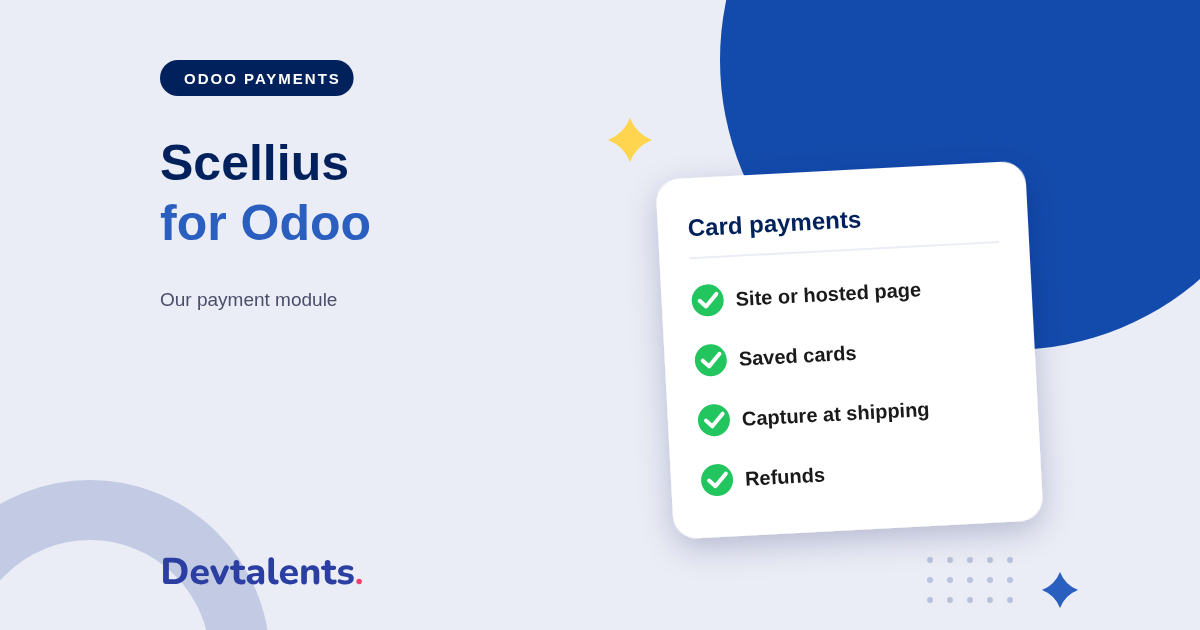
Scellius card payments inside Odoo
Two ways to pay, your choice
You decide: the card fields appear right on your payment page, embedded in your site, or the customer is sent to the Scellius hosted payment page and brought back to your shop afterwards. In both cases, 3-D Secure runs when the bank requests it.
Saved cards, one-click payment
A returning customer finds their saved card and pays in one click. Odoo checks the card with a small authorization that is released at once, so nothing is charged. A card the customer deletes is also removed at Scellius.
The card number never goes through your Odoo database: it is entered at Scellius. Your scope under the PCI DSS standard, which governs card data security, therefore stays as small as possible.
Beyond the card (CB, Visa, Mastercard), the payment page can offer, depending on your contract, Apple Pay, Google Pay, PayPal, SEPA transfer, and payment in instalments with Oney and Alma.
Refunds, captures and saved cards from Odoo
This is what sets our module apart: you manage your Scellius payments without opening the Scellius back office.
- Refund in full or in part, from the payment in Odoo. The refund is tied to the original payment, which keeps reconciliation simple.
- Capture at shipping: the card is only authorized at the order, and you capture the amount when you ship, in one click. You can also release the authorization if the order is cancelled.
- Charge a saved card: your accountant settles an invoice with the card the customer saved, without ever typing a card number.
- Offer payment in instalments and find every instalment, the 3-D Secure result and the payment status right inside the Odoo order.
Every Odoo payment flow, tested with Scellius
A payment module is not only for the online shop. Odoo offers payment in many applications, and each one has its own flow. We tested them all:
- the online shop, for a logged-in customer or a guest;
- payment links sent from a quotation or an invoice, for all or part of the amount;
- the customer portal, even without the Website app: signing and paying quotations, down payments and invoices;
- invoice instalments and the grouped payment of overdue invoices;
- subscription renewals charged on the saved card;
- the donation form, online payment of Point of Sale orders and paid appointments.
A Scellius module built to never charge twice
With card payments, the worst case is a double charge, or a payment accepted by the bank but missed by Odoo. The module was written for exactly those cases:
- a double click or a second form submission never charges the card twice;
- if the customer's browser closes after the payment, Scellius notifies Odoo on its side and the order updates by itself;
- every reply from the bank is checked with a signature before any update, and the amount is compared with Odoo's;
- the Scellius keys are visible to administrators only and never appear in the logs.
Installing the Scellius module in Odoo
The module is available for Odoo Community and Enterprise. Getting started takes a few minutes:
- install the module from the Apps menu;
- in your Scellius back office, get your shop keys;
- in Odoo, open the Scellius payment provider, enter the keys and test the connection;
- choose payment embedded in your site or the Scellius hosted page;
- run your tests in test mode, then switch to production, and set saved cards, capture at shipping and payment in instalments.
Scellius runs on the Lyra technology, like our Systempay (Banque Populaire, Caisse d'Épargne) and PayZen modules. Whatever your bank, we have the module.
Scellius and Odoo: frequently asked questions
Do I have to choose between paying on my site and the Scellius page?
You choose what suits you. Card fields embedded in your site keep the customer on your shop. Redirection to the Scellius hosted page suits you if you prefer Scellius to display the payment screen itself. Both stay manageable from Odoo.
Is payment in instalments possible?
Yes, if your Scellius contract allows it. The module offers payment in instalments with Oney and Alma, and every instalment appears in the Odoo order.
Scellius, Systempay, PayZen: what is the difference?
All three rely on the same Lyra payment technology, with the same capabilities in Odoo. Scellius is La Banque Postale's solution; Systempay is Banque Populaire and Caisse d'Épargne's; PayZen is offered by Lyra and other banks. We publish the module for each one.
Does the module work on Odoo Online?
No. It is a third-party module, which Odoo Online does not allow. It installs on Odoo.sh or on your own server.
Can you install it for us?
Yes. We install the module and connect it to your Scellius shop: keys, payment methods, capture at shipping and payment in instalments.
Collecting with Scellius and moving to Odoo?
Tell us which payment flows you use in Odoo: we tell you what to install, or we do it for you. Contact us, or see the module page Scellius Payment Provider.