
The Paybox payment gateway for Odoo: customers pay on the Paybox page, your team works from Odoo
Paybox, the payment platform of Verifone, powers a large share of French online shops. With our Paybox module for Odoo, customers pay by card on the secure Paybox page with 3-D Secure, and every payment is checked, then recorded in Odoo with its order, its invoice and its journal entry.
You have a Paybox contract and need a Paybox integration for Odoo? This article covers what your customers see on the Paybox payment page, what your team does from Odoo with the Paybox Direct option (capture later, refunds), how the module checks every payment, the flows we tested on the Paybox test platform, and what to ask Paybox before you start.
In this article
- The Paybox module for Odoo at a glance
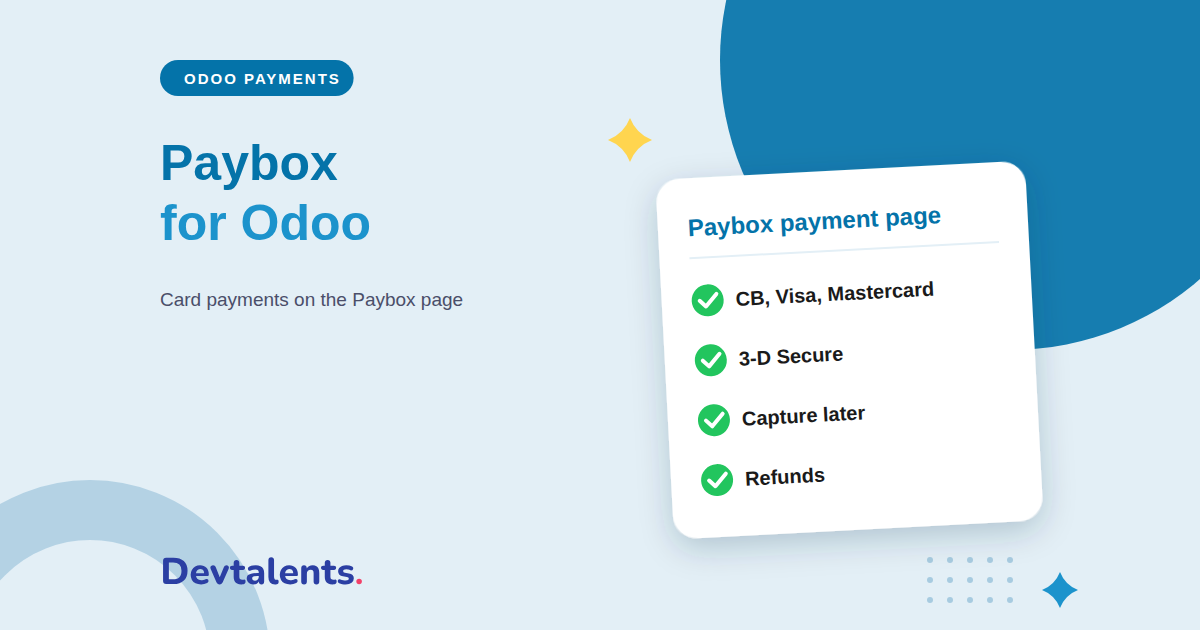
- CB, Visa and Mastercard on the Paybox page with 3-D Secure
- Capture later and Paybox refunds from Odoo
- A Paybox integration that checks every payment
- Odoo payment flows tested with Paybox
- Paybox hosted page or Paybox Direct?
- Setting up the Paybox payment gateway in Odoo
- Paybox for Odoo: frequently asked questions
The Paybox module for Odoo at a glance
The module connects your Paybox contract to the Odoo payment provider. At checkout, the customer picks Card, goes to the Paybox payment page to type their card, then comes back to your website with the order confirmed. Card numbers never reach your server, which is the simplest way to take card payments and stay compliant.
If your contract includes the Paybox Direct option, the module goes further: your team captures later and refunds from Odoo, and every payment is looked up on your own Paybox account before the order is confirmed. The module runs on Odoo Community and Enterprise.
CB, Visa and Mastercard on the Paybox page with 3-D Secure
The Paybox payment page, in the customer's language
The Paybox page shows the order reference and amount in the customer's language: French for a French customer, English for a foreign one. It offers the payment methods open on your contract and fits phone screens.
3-D Secure handled by Paybox
When the customer's bank asks for a confirmation, it happens on the Paybox page. Odoo sends the billing address and email of the customer, so the bank can often approve without asking them anything.
In Odoo, Paybox uses the standard Card payment method, with the Cartes Bancaires, Visa and Mastercard logos. Each payment records the card brand and the Paybox transaction number, so any operation is easy to find in your Paybox back office. If the customer gives up on the Paybox page, the order waits for payment and they can try again.
Capture later and Paybox refunds from Odoo
With the Paybox Direct option of your contract, ticked on the payment provider, your team no longer opens the Paybox back office for day-to-day operations:
- Capture later: the card is only authorized at order time, for example for a product you still have to prepare, and you collect the amount with one click on Capture when you ship.
- Void an authorization you will not capture, from the transaction.
- Refund in full or in part, several times if needed, from the accounting payment. Paybox credits the customer's card and Odoo creates the refund payment.
Without the Paybox Direct option, the module collects payments immediately, and refunds are made in your Paybox back office.
A Paybox integration that checks every payment
An order confirmed by mistake is expensive. The module confirms a payment only after several checks:
- the result must be signed by Paybox, and the amount paid must match the order exactly;
- with the Paybox Direct option, Odoo also looks the payment up on your own Paybox account before confirming the order;
- in production, payments coming from the Paybox test platform are refused;
- Paybox sends the result straight to Odoo as well as through the customer's return, so the order is confirmed even if the customer closes the page after paying;
- if the main Paybox server does not answer, Odoo sends the customer to the Paybox backup server;
- only administrators can see the Paybox credentials, and a Test connection button checks that Paybox accepts them before you go live.
Odoo payment flows tested with Paybox
We played every flow on the Paybox test platform, with the Paybox test cards, on Odoo Community and Enterprise:
- the online shop, including an address with special characters, and a customer giving up on the Paybox page;
- payment links sent from an invoice, for all or part of the amount, opened by a customer with no account;
- invoices paid from the customer portal, with or without the Website app;
- the Paybox page in French and in English, and a CB card co-branded with Visa;
- with the Paybox Direct option: authorization, capture from Odoo, void of an authorization, and full and partial refunds from the accounting payment.
Paybox hosted page or Paybox Direct?
We publish two Paybox modules for Odoo. This one sends the customer to the Paybox hosted payment page: it is the easiest to set up, and the card security questionnaire your bank asks for is the shortest one.
If you want customers to type their card without leaving your website, save it for their next purchases, or if your team takes payments by phone, read our article on the Paybox Direct module for Odoo.
Setting up the Paybox payment gateway in Odoo
The module is available on the Odoo Apps Store. Before installing it, ask Paybox for:
- a Paybox contract with the hosted payment page and 3-D Secure;
- the Paybox Direct option if you want to capture later or refund from Odoo;
- the currencies of your contract: the module offers Paybox in euros and eleven other currencies, including US dollars, pounds sterling and Swiss francs.
Getting started then takes a few minutes:
- install the module from the Apps menu;
- open the Paybox payment provider, enter the site number, rank, identifier and the key generated in your Paybox back office, then click Test connection;
- tick the Paybox Direct option if your contract includes it, and choose whether payments are captured later;
- run your trials in test mode with the Paybox test cards, then switch to production.
Paybox for Odoo: frequently asked questions
Which cards are accepted?
Cartes Bancaires, Visa and Mastercard, tested on the Paybox test platform. The Paybox page also shows the other payment methods open on your contract.
Can I refund a Paybox payment without the Paybox Direct option?
Yes, from your Paybox back office. With the Paybox Direct option, you refund straight from the payment in Odoo, in full or in part.
Does the module work on Odoo Online?
No. It is a third-party module, which Odoo Online does not accept. It runs on Odoo.sh or on your own server.
Can you install it for us?
Yes. We install the module, connect it to your Paybox contract, set up capture and enable the payment provider. We also build custom payment connectors for Odoo.
Taking payments with Paybox and moving to Odoo?
We install and configure the Paybox module on your Odoo, connected to your contract. Ask for a demo, contact us, or see the Paybox module for Odoo page. To compare with the other French bank solutions, read Monetico, CAWL or Axepta too.