
Sherlock's by LCL, now managed from Odoo
Sherlock's is LCL's online card payment solution. Our Sherlock's module for Odoo connects your Sherlock's contract to Odoo: your customers pay by card on the secure Sherlock's payment page, and every payment is recorded in Odoo with its invoice and accounting entry.
This module is for merchants who take card payments with a Sherlock's contract at LCL. This article covers what the Sherlock's integration does in Odoo, payment on the hosted page, what your team manages from Odoo, and how to get started.
In this article
Why connect Sherlock's to Odoo
Sherlock's serves merchants who opened their card acquiring contract with LCL. It is a proven solution, with 3-D Secure security and card payments via CB, Visa, Mastercard and American Express.
Until now, tracking your Sherlock's payments with Odoo meant juggling two screens: capture, cancel or refund in the Sherlock's back office, then copy the information into Odoo. With our module, everything happens from Odoo, and Sherlock's remains the only one to see the card number.
Sherlock's card payments in Odoo
The secure Sherlock's payment page
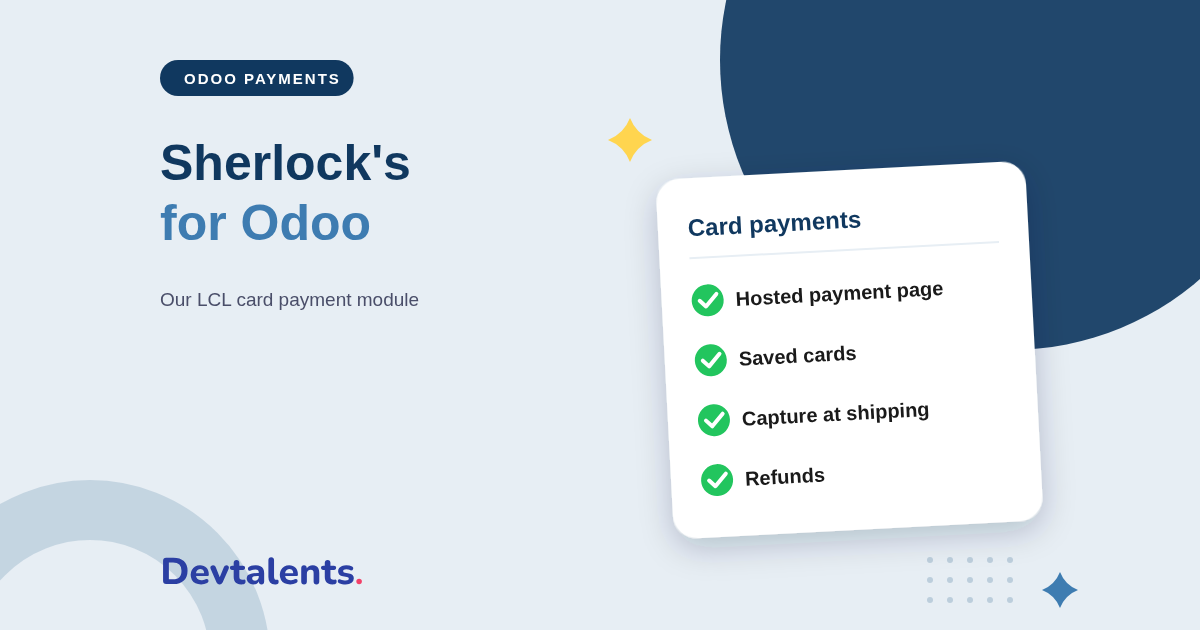
At checkout, the customer is sent to the payment page hosted by Sherlock's, enters their card, then returns to your shop once the payment is approved. 3-D Secure authentication runs when the bank requires it. The card number never touches Odoo.
Saved cards, one-click payment
A customer who wishes to can save their card in their Sherlock's wallet (OneClick). On a later payment, they pay in one click without re-entering the card. Odoo keeps only a token and the last four digits.
The card number never passes through your Odoo database: it is entered at Sherlock's. Your scope under the PCI DSS standard, which governs card-data security, therefore stays as small as possible (SAQ A).
Refunds, captures and saved cards from Odoo
This is what sets our module apart: you manage your Sherlock's payments without opening the Sherlock's back office.
- Refund in full or in part, from the payment in Odoo. The refund is tied to the original payment, which simplifies reconciliation.
- Capture at shipping: the card is only authorized at the order, and you capture the amount when you ship, in one click. You can also release the authorization if the order does not go out.
- Charge a saved card: your accountant settles an invoice with the card the customer saved in their Sherlock's wallet, without ever typing a card number.
- Follow every transaction: the 3-D Secure result, the bank reference and the payment status all appear directly in the Odoo order.
The Odoo payment flows supported
A payment module is not just for the online shop. Odoo offers payment in many apps, and the Sherlock's module builds on Odoo's standard payment layer, shared by these flows:
- the online shop, for a logged-in customer or a guest;
- payment links sent from a quotation or an invoice, for all or part of the amount;
- the customer portal, even without the Website app: signing and paying quotations, down payments, invoices;
- invoice instalments and bulk payment of overdue invoices;
- subscription renewals charged on the saved card;
- the donation form, online payment of Point of Sale orders and paid appointments.
A Sherlock's module built to never charge twice
On a card payment, the worst case is a double charge, or a payment accepted by the bank but missed by Odoo. The module was written for exactly these cases:
- a double click or a second form submission never charges the card twice;
- if the customer's browser closes after the payment, Sherlock's notifies Odoo on its side (server notification) and the order updates on its own;
- every Sherlock's response is checked against its signature (seal) before any update, and the amount and currency are compared with Odoo's;
- the Sherlock's keys are visible only to administrators and never appear in the logs.
Installing the Sherlock's module in Odoo
The module is available for Odoo Community and Enterprise. Getting started takes a few minutes:
- install the module from the Apps menu;
- in your Sherlock's back office, get the shop identifier (merchantId), the secret key and the key version;
- in Odoo, open the Sherlock's payment provider and enter those details;
- run your tests in test mode, then switch to production;
- set up card saving and capture at shipping as you need.
Whatever your bank, we have the Odoo card payment module. LCL also offers, through Crédit Agricole, the CAWL solution; and other French banks have their own. Tell us yours and we'll point you to the right one.
Sherlock's and Odoo: frequently asked questions
What exactly is Sherlock's?
Sherlock's is the online card payment solution of the bank LCL. You open the contract with LCL, and our module connects that contract to Odoo.
Does the customer pay on my site or on a Sherlock's page?
On the payment page hosted by Sherlock's: the customer is redirected there to enter their card, then brought back to your shop. Sherlock's displays the payment screen and handles 3-D Secure, which reduces your PCI DSS scope. The payment stays fully manageable from Odoo.
Can I save my customers' cards?
Yes. With the OneClick option, the card is kept in the customer's Sherlock's wallet; Odoo only stores a token. The customer then pays in one click, and your accountant can charge an invoice on that card without ever typing a number.
Does the module work on Odoo Online?
No. It is a third-party module, which Odoo Online does not allow. It installs on Odoo.sh or on your own server.
Can you install it for us?
Yes. We install the module and connect it to your Sherlock's contract: keys, payment methods, card saving and capture at shipping.
Taking payments with Sherlock's and moving to Odoo?
Tell us which payment flows you use in Odoo: we'll tell you what to install, or we'll do it for you. Contact us, or see the module page Sherlock's Payment Provider.