
An Odoo migration is won before switchover day
Moving from Odoo 17 to 18 or 19 is nothing like a simple update. Data is converted, screens change, specific modules have to follow. Well prepared, a migration goes through without surprises or long downtime. Poorly prepared, it blocks invoicing at the worst possible moment. Here are the steps we follow, the timeframes to expect and the pitfalls that come up most often.
Odoo supports each major version for three years. On Odoo Online, upgrading is mandatory and Odoo triggers it itself if you do not act before the deadline. On Odoo.sh or your own server, you stay in control of the timing; but a version that is no longer supported stops receiving fixes, and every skipped version makes the next migration heavier.
In this article
Odoo 18 or straight to Odoo 19?
Starting from Odoo 17, the question always comes up. Our rule: aim for the most recent version for which all your modules are available. A migration takes roughly the same preparation whatever the target version, so you might as well gain as much support time as possible.
What tips the balance is the modules that do not come from Odoo. A module from the Odoo Apps Store has to exist in the target version, and a module built for you has to be adapted. If an essential module is not yet available in 19, aiming for 18 is a reasonable choice. If you are still on 16 or earlier, note too that French e-invoicing through Odoo's approved platform requires at least version 17: see Is Odoo an approved e-invoicing platform?
The steps of a successful migration
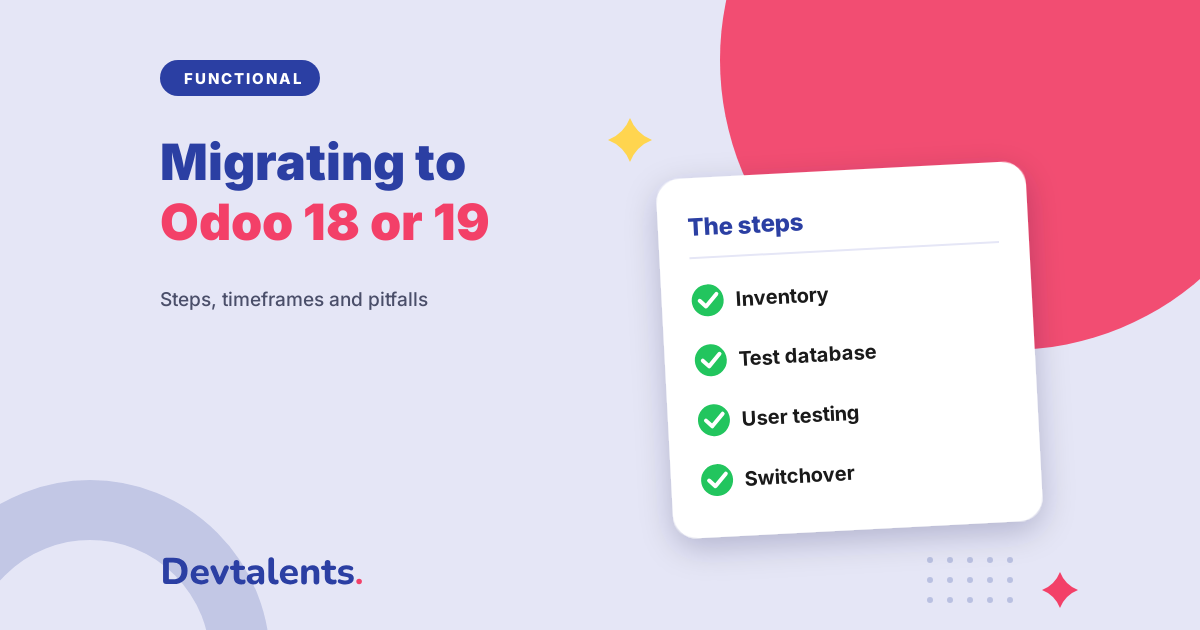
- Take stock. List everything that is not standard: specific modules, Apps Store modules, Studio customisations, modified document templates, connections with other software. This list sets the effort, far more than the size of the database.
- Get a migrated test database. A copy of the production database is converted to the new version. On this copy, outgoing emails and payments must be neutralised; our article on the neutralized database explains why.
- Adapt the specific modules. Each module built for you is ported to the new version, alongside the data conversion. A database that contains a module that has not been ported simply cannot be migrated.
- Have users test it. Not just "it opens": your real day-to-day cases. An order from start to finish, an invoice and its payment, an inventory count, reports and email templates, exports, saved filters, automated actions, exchanges with your other software.
- Fix, then test again. It often takes two rounds of testing, sometimes three, to get a clean database.
- Hold a dress rehearsal. The day before the switchover, the whole operation is replayed on a fresh copy of production, to measure exactly how long it takes and avoid any surprise.
- Switch production over. The database is unavailable during the conversion, which is scheduled outside business hours. A quick check of the essential flows follows, before users are let back in.
How long should you plan for?
There is no standard duration, and be wary of anyone who quotes one without having seen your database. A few weeks are often enough for a database close to the standard. Expect more as soon as several specific modules, connections with other software or users with little time for testing come into play.
The most underestimated factor is precisely your teams' availability for acceptance testing. Put it in their schedule, and pick a switchover date well away from busy periods: month-end closing, sales season, annual stocktake.
The most common pitfalls
- An Apps Store module abandoned by its publisher. Check during the inventory that it exists in the target version; otherwise it will have to be replaced or taken over.
- Customised documents. Modified invoices, delivery slips or quotations: their layout often needs reworking in the new version.
- Forgotten connections. Online store, carrier, payroll tool, in-house script reading the database: everything that exchanges data with Odoo must be tested after the migration.
- Data that needs cleaning. Duplicates, old products, abandoned settings: the migration carries them over. It is the right time to tidy up, but it has to be planned.
- Users caught off guard. Screens change from one version to the next. A short walkthrough of the changes before the switchover saves a lot of calls on Monday morning.
What Odoo's upgrade service covers
With the Enterprise edition, Odoo handles the technical conversion of the database: standard apps and their data, Studio customisations as long as Studio stays installed and the subscription active, and developments covered by a maintenance contract. It does not cover data cleaning, specific modules outside a contract, or user training.
For the Community edition, this service is not offered: you rely on the Odoo community's migration tools, which move one version at a time, or on an Odoo partner. Either way, specific modules, testing and organising the switchover are what take the most work. That is exactly what we take on: see our Odoo migration page.
FAQ
Can we go straight from Odoo 16 or 17 to Odoo 19?
With Odoo's upgrade service, yes, the conversion can skip versions. Specific modules, however, must be available in the target version. On Community, the community tools usually require going one version at a time.
How long is the database unavailable?
For the duration of the production conversion, which depends mostly on data volume. The dress rehearsal the day before tells you precisely, so you can warn your teams.
Do we lose data during a migration?
No, if it is well prepared: data is converted, not re-entered. Checking that before the switchover is exactly what the test databases and acceptance testing are for.
Should we migrate if everything works fine?
Not necessarily right away, but it should be planned: a version that leaves support stops receiving fixes, and the wider the gap grows, the heavier the migration will be on the day it becomes unavoidable.
Can you migrate a database you did not set up?
Yes, that is in fact a large share of our migrations. Everything starts with the inventory: it tells us what the database really contains, and what the migration will take.
An Odoo migration coming up?
Tell us your current version, the target version and what your database contains: we start with an inventory, then a dry-run migration that your teams test before the switchover. Let's talk about your project, or see our Odoo migration method.