
New WinDev licensing: is it time to move to Odoo?
No more perpetual licence, a move to subscriptions, a per-session fee announced for version 2026: WinDev's terms have changed a lot in two years. For companies that run their business on a WinDev application, the question is no longer only a technical one. Here is what has changed, what Odoo can replace, and how a WinDev to Odoo migration works, from the first analysis to moving the HFSQL data.
WinDev has long been a strong choice for building a custom business application quickly: quotes, invoices, inventory, production tracking, scheduling. Many small and mid-sized companies have used one for fifteen or twenty years, often written by an in-house developer or a local software vendor. PC SOFT's new licensing terms now lead these companies to ask whether to carry on, or to use the moment to modernise. Odoo is one of the most studied WinDev alternatives, because it covers out of the box much of what these applications were built by hand to do.
In this article
What is changing in WinDev licensing
PC SOFT, the French publisher of WinDev, WebDev and WinDev Mobile, came under the control of a Canadian software group at the end of 2024. The changes followed:
- The end of the perpetual licence. Since 2025, WinDev is no longer bought once with its protection key: the tool has moved to a subscription, at a higher yearly price than the former update.
- A per-session fee for version 2026. In 2026, PC SOFT presented a "sessions" system for applications compiled with version 2026: a yearly amount tied to the use of the application at the end customer's site, not only to the developer's seat.
- Little visibility on the amounts. At the time of writing, no public price list lets you work out this cost in advance; the figures that circulate come from sales answers and analyses by developers.
The issue has gone well beyond developers: a petition, written questions from members of the French National Assembly, and proceedings brought by client companies before the Marseille court. For a vendor that sells a WinDev application to its own customers, the question becomes very concrete: who will pay for each installed seat, and how much? Terms are moving fast and depend on each contract; check yours with PC SOFT before making any decision.
Why Odoo as a WinDev alternative
Beyond the price, these changes bring four concerns to the surface: licence costs that are hard to forecast, dependence on a proprietary tool and database, little visibility on future terms, and the need for applications that work from anywhere and connect to the company's other tools. Odoo answers each of these four points.
- An open source edition. Odoo Community is open source, under the LGPL licence: no licence fee for the software, per user or per installed seat. The Enterprise edition adds apps and Odoo's support, with a per-user subscription whose prices are public.
- Data in a standard database. Odoo stores everything in PostgreSQL, a free and widely used database. Your data stays readable by any tool, without depending on a vendor.
- A web application. Odoo runs in a browser, at the office, from home or on a tablet in the warehouse, with no software to install on each computer and no updates to roll out machine by machine.
- Integrated management. Sales, purchasing, inventory, invoicing, CRM, manufacturing, projects: Odoo apps share the same data. A confirmed quote becomes an order, a delivery, then an invoice, without retyping or exporting between two programs.
- A tool you can adapt. What Odoo does not do out of the box is built as custom modules, and Odoo connects to your other software: online shop, carriers, banks, industry tools.
Two points deserve to be clear. Odoo Enterprise also has a licence cost, and every custom development needs maintenance afterwards, especially during version upgrades. The difference is predictability: Odoo's price is public and per user, and the Community edition remains available with no subscription. Our article Is Odoo free or paid? explains what each edition includes.
Which WinDev applications to migrate to Odoo?
WinDev is a development environment: you can build anything with it. Odoo is business management software that you customise. Migrating makes sense when the WinDev application manages the business, much less when it drives a machine or performs a very particular calculation.
- Good candidates: sales management, quotes and invoicing, purchasing and inventory, job site or field service tracking, simple manufacturing, customer relationship management, customer portal, management software sold by a vendor to its customers.
- Case by case: very specific point of sale software, complex business calculations (pricing, measurements, unusual bills of materials), applications that work offline.
- Less suited: controlling machines or automation equipment, image processing, small technical utilities. These tools can stay alongside Odoo and exchange data with it.
In practice, much of what was coded by hand in a WinDev application (customer and product records, quotes, invoices, inventory, payment reminders) already exists in Odoo. The work focuses on what makes your business different.
The steps of a WinDev to Odoo migration
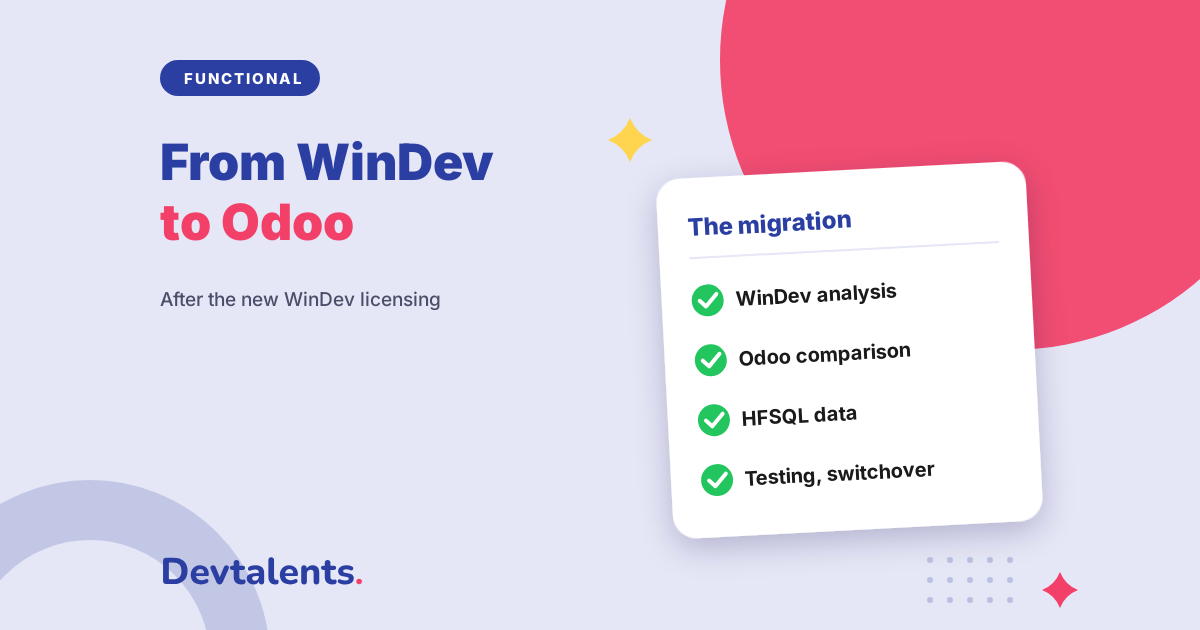
Migrating from WinDev to Odoo is not about translating code: WinDev's language and Odoo have nothing in common. What moves is the business rules and the data, not the screens. Here are the five steps we follow.
- Analyse the WinDev application. We list what it really contains: windows, printouts, automatic processing, data files, users and access rights, exchanges with other software (accounting export, customer orders, labels). Above all, we separate what is used every day from what no longer is: after fifteen years, part of the screens has often been abandoned.
- Compare with Odoo apps. For each feature, there are three possible answers: Odoo does it out of the box, Odoo does it with configuration, or it needs custom development. This step sets the budget and avoids rebuilding what already exists.
- Move the data. Customers, suppliers, products, stock, open documents and useful history are extracted from the HFSQL files, cleaned, then imported into Odoo. It is often the most underestimated step; more on it below.
- Build what is specific to your business. Features with no equivalent in Odoo are developed as custom modules, built on the standard rather than beside it, so they follow future Odoo versions without being rewritten each time.
- Test, train, switch over. Your teams test their real everyday cases on a database that holds your data. We fix, test again, train users, then switch over on a quiet date: never during a closing or the stock count.
Nothing forces you to migrate everything at once. You can start with sales and invoicing, keep the WinDev application for the rest for a few months, and link the two during the transition with an Odoo connector. This step by step approach limits risk and keeps the business running.
Moving HFSQL data to PostgreSQL
WinDev applications store their data in HFSQL, PC SOFT's database. Odoo uses PostgreSQL. An HFSQL to PostgreSQL migration is not a copy of tables: Odoo has its own data structure, and each piece of information must find its place.
- Extract. HFSQL files can be read with the access driver provided by PC SOFT, or exported from the application. It is best to do this while you still have a working WinDev environment.
- Clean. Duplicate customers, products no longer sold, reused codes, badly encoded accented characters in old data: a migration is the right time to tidy up.
- Map. Each WinDev field is matched to the right Odoo field. Documents or images stored in memo fields become attachments in Odoo.
- Choose the history to keep. Open documents and balances, always. The full history, not necessarily: a few useful years are often moved, and the old database stays available read-only for the rest.
- Check. Number of customers, stock value, total of open invoices: the figures are compared before and after, with your teams, on a test database.
The costs to compare before deciding
Leaving WinDev is not automatically cheaper. To decide, compare the total cost over several years, not just the licence.
- On the WinDev side: each developer's subscription, possible per-session fees on deployed applications, and the maintenance of an application whose code is often known by only one or two people.
- On the Odoo side: the initial project (analysis, data migration, custom development, training), the per-user Enterprise subscription if you choose it, hosting, and the maintenance of custom modules, especially during Odoo version upgrades.
Every situation is different: a ten-user company with standard sales management and a vendor that deploys its software at two hundred customers will not make the same calculation. A technical and financial study of your application is the only serious way to answer the question.
Frequently asked questions
Can a WinDev application be converted to Odoo automatically?
No. WinDev's language and Odoo share nothing, and a conversion tool would not produce an Odoo application. The business rules and data are taken over, then Odoo's standard apps are used as much as possible.
How long does a WinDev to Odoo migration take?
It depends on the application. A few weeks can be enough for sales management close to the standard; plan several months for an application that covers the whole company with many specific rules. The initial analysis gives a reliable timeframe.
Will all our HFSQL data be kept?
The useful data is moved into Odoo: customers and suppliers, products, stock, open documents, balances and the history you choose to keep. The rest can be archived and remain available, without weighing down the new database.
Is Odoo Community enough to replace a WinDev application?
Often, for sales, purchasing, inventory and invoicing. Full accounting and some apps are only in the Enterprise edition. The choice is made during the analysis, feature by feature.
Can we keep Odoo on a server in our own premises, like our WinDev application?
Yes. Odoo installs on your own server as well as in the cloud, and is used in a browser on your network. Our article where to host your Odoo compares the three options.
Do we have to stop the WinDev application on switchover day?
Not necessarily. A step by step migration lets both tools run side by side for a few months, linked together, while each activity moves to Odoo.
Thinking of migrating your WinDev application to Odoo?
We have been developing on Odoo since 2014. We start by analysing your existing application, then support you through moving the HFSQL data and building your new Odoo solution. Let's discuss your migration project, or see our Odoo migration method and our custom Odoo development.