
Oney 3 or 4 instalment payments, now integrated with Odoo
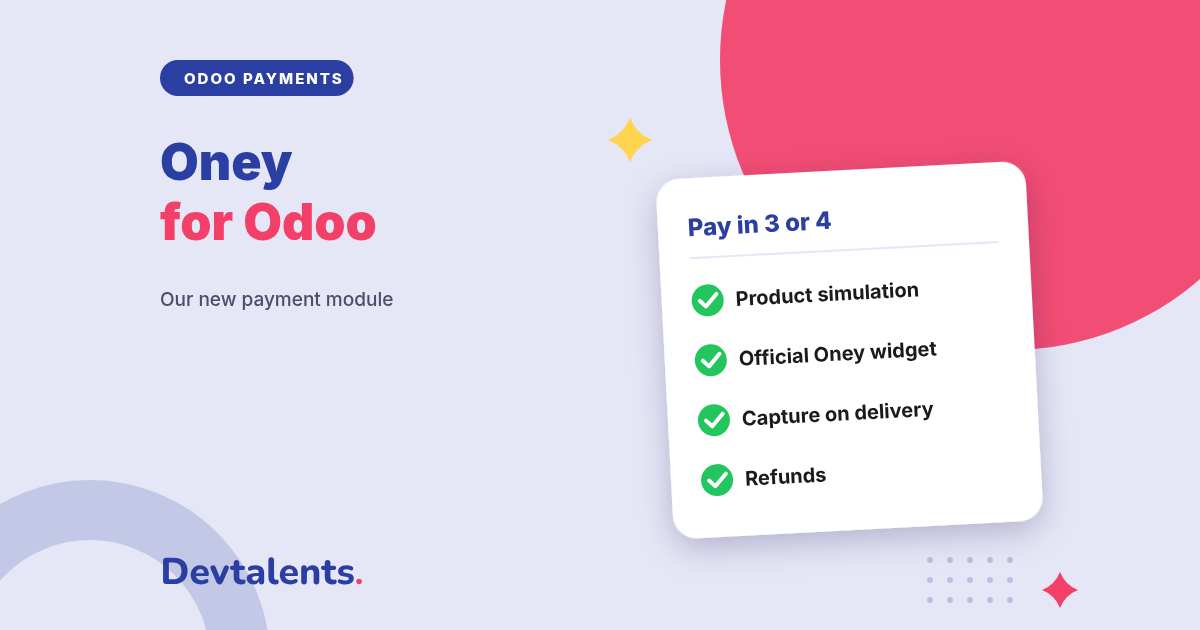
Oney lets your customers pay in 3 or 4 instalments by card, while you are paid for the whole order. Our new Oney module for Odoo covers the whole journey: instalment simulation on the product page, payment at checkout, capture on delivery and refunds, without leaving Odoo.
Split payments help sell higher-value baskets: furniture, home appliances, electronics, sports equipment. This article explains what the Oney integration does in Odoo, for your customers and for your team, and how to get started.
In this article
Why offer Oney in your Odoo shop
Oney is one of the long-standing names in instalment payments in France, and it operates in several European countries. For the customer it is simple: the first instalment is paid by card on the day of the order, and the rest is taken from the same card over the following months. For you, Oney pays you for the order and handles the customer's instalments.
Odoo does not offer Oney out of the box. Our module adds Oney to the Odoo payment methods, just like a regular card payment.
Oney 3x and 4x payments, on the customer side
Before buying
On the product page and in the cart, customers see the Oney offers available for that amount and can simulate their instalments. An offer only shows when the amount is within its limits.
At checkout
The official Oney widget shows the schedule, the APR and the legal credit notice. The customer confirms, completes the request on the secure Oney page, then comes back to your website with the order confirmed.
Before sending the customer to Oney, the module checks what Oney requires: an individual customer, an address in the country of your contract, a mobile number, a valid postal code and email. The customer fixes what is missing right away, instead of being turned down further on.
Capture on delivery, as Oney requires
Oney finances a delivered purchase. The payment can therefore be confirmed at Oney when the order leaves for the customer, not when it is placed. The module offers three settings:
- On delivery: when the last delivery of the order is validated in Odoo, the payment is confirmed at Oney within minutes, with a message in the order history. This option needs the Inventory app.
- Manually: you confirm the payment in one click, or cancel it if the order does not ship.
- Automatically, as soon as Oney approves.
The delivery mode is sent to Oney too: home delivery, pickup point or store pickup.
Refunds and Oney payment tracking in Odoo
- Full or partial refunds from the payment in Odoo, without opening the Oney merchant area. Oney reduces or refunds the customer's instalments, and the refund stays linked to the original payment.
- Orders confirmed even if the customer closes the browser: Oney notifies Odoo directly, and an automatic check picks up open payments every 30 minutes.
- No order confirmed on a message alone: the status of each payment is read back from Oney before the order is confirmed.
- Synchronized offers: offer codes and minimum and maximum amounts are taken from your Oney contract in one click.
Countries, offers and Odoo flows covered
The module offers Oney 3x and Oney 4x by card in France, Belgium, Spain, Italy, the Netherlands, Portugal and Romania, in the currency of the country (euro, or Romanian leu). Customers in the French overseas departments and territories are French customers for Oney. Customer-facing texts are translated into English, French, Spanish, Italian, Portuguese, Dutch and Romanian.
Oney works on every Odoo payment page: the online shop, payment links, quotations with or without a down payment, and invoices in the customer portal. The module also handles several companies and several websites.
Install the Oney module in Odoo
The module is available for Odoo Community and Enterprise, on the Odoo Apps Store. One module is enough: the Inventory app is optional. To get started:
- ask Oney for your credentials for the country of your contract, for test and then production;
- in Odoo, open the Oney payment provider, choose the country of the contract, enter the credentials and test the connection;
- synchronize your Oney offers, or enter the code and amounts of each offer;
- in France, enter your ORIAS credit intermediary number, shown in the legal notice;
- choose when payments are confirmed: automatically, manually or on delivery.
Selling in several countries? Duplicate the Oney provider and set the country and credentials of each contract.
Oney and Odoo: frequently asked questions
Can businesses pay with Oney?
No. Oney finances purchases by individuals. The module therefore offers Oney to individual customers only.
Do I need the Inventory app?
No. Without Inventory, Oney works the same way and you confirm payments automatically or by hand. The capture on delivery option appears as soon as Inventory is installed.
Does the module work on Odoo Online?
No. It is a third-party module, which Odoo Online does not accept. It runs on Odoo.sh or on your own server, and your website must be served over HTTPS, as Oney requires.
How does it compare with Alma or FLOA?
All three offer instalment payments, with different countries, durations and terms. We also publish the Alma and FLOA modules: the right choice mostly depends on the contract you get and the countries you sell in.
Can you set it up for us?
Yes. We install the module, connect it to your Oney contract, set up capture on delivery and run a full payment with you before going live.
Want to offer 3 or 4 instalment payments in your Odoo shop?
Tell us which countries you sell in: we tell you what to install, or we do it for you. Contact us, or see the Oney Payment Provider module page.