
Klarna in Odoo: it does not install on its own, it comes with your payment provider
Searching for "Klarna Odoo" and finding no Klarna module to install? That is expected. In Odoo, Klarna is a payment method offered by a payment provider: Stripe, Adyen, Worldline, Buckaroo, or the modules we publish for CAWL (Crédit Agricole and LCL) and HiPay. The right choice depends mostly on the bank or provider you already have a contract with.
Klarna lets your customers pay now, later or in instalments, while Klarna pays you. This guide explains how to enable it in Odoo, which provider to choose for your situation, and what to know before opening it on your shop.
In this article
How Klarna works in Odoo
Odoo handles payments on two levels: the payment provider (the company you have a contract with) and the payment methods it offers (card, PayPal, Klarna...). Klarna is in Odoo's list of payment methods, but it only shows on your shop if your payment provider offers it and Klarna is enabled on your contract.
For the customer, the flow is simple: at checkout they choose Klarna, are taken to the Klarna page to pick their plan, then come back to your shop where the order is confirmed. In Odoo, the payment is linked to the order and the invoice, like a card payment.
Providers that offer Klarna in Odoo
| Provider | In Odoo | Klarna options |
|---|---|---|
| Stripe | Standard Odoo connector | Klarna |
| Adyen | Standard Odoo connector | Klarna, Klarna Pay Now, Klarna Pay Over Time |
| Worldline, Buckaroo | Standard Odoo connectors, depending on your version | Klarna |
| CAWL (Crédit Agricole, LCL) | Our CAWL module | Klarna, Klarna Pay Later, Klarna Pay Over Time |
| HiPay | Our HiPay module | Klarna |
In every case, your contract decides: the provider has to open Klarna for the countries and currencies you sell in.
Which provider to choose for Klarna
- Your online sales contract is with Crédit Agricole or LCL: go through CAWL. Klarna is added to cards, Apple Pay, Google Pay and PayPal on the same contract, and our module handles it from Odoo.
- You have a HiPay contract: Klarna is one of the payment methods of our HiPay module, alongside PayPal, Bancontact, iDEAL and Alma.
- You already use Stripe or Adyen: the connector shipped with Odoo is enough; enable Klarna with the provider and in Odoo.
- You have no provider yet: compare fees and the payment methods you need beyond Klarna first. Our guide to choosing a payment module lists the questions to ask.
What to know before enabling Klarna
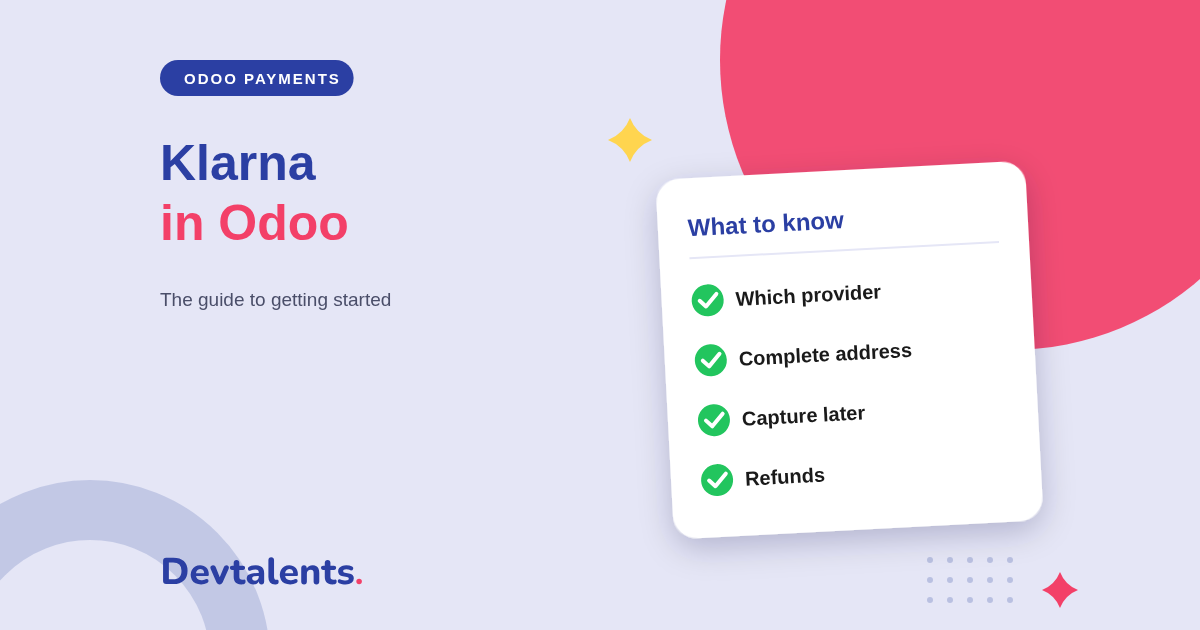
Klarna needs a complete address
Klarna checks who the buyer is. Depending on the provider, a separate house number and sometimes the date of birth must be sent. Our CAWL module adds these fields to the customer and sends them when Klarna or Oney is chosen, to avoid refusals at checkout.
The payment is authorized, then captured
Klarna works in two steps: the payment is authorized first, then captured. With CAWL, the module always runs both steps for Klarna, even if the rest of your shop captures card payments at once. You can therefore capture at shipping.
Refunds are made from Odoo
A return or a goodwill gesture is refunded from the payment in Odoo, in full or in part: the provider passes the refund to Klarna, which adjusts the customer's instalments.
Klarna only shows where it is accepted
Odoo only shows a payment method for the countries and currencies it accepts. If Klarna does not appear for a customer, check their billing country and the currency of the order first.
Klarna, Alma, Oney, Scalapay or FLOA?
Klarna is the most international, but it is not the only way to offer instalments in Odoo. For a shop selling mostly in France or Southern Europe, French and European solutions are often better known by customers:
- Alma: pay now or in 2 to 12 instalments, online and in store;
- Oney: 3 or 4 instalments by card, in seven European countries;
- Scalapay: 3 or 4 interest-free instalments;
- FLOA: 3, 4 or 10 instalments and pay later.
Nothing prevents you from offering two: Klarna for foreign customers, a French solution for the others. Odoo shows each customer those that match their country and the cart amount.
Klarna and Odoo: frequently asked questions
Is there an official Klarna module for Odoo?
No. Klarna is offered by payment providers: Stripe and Adyen in standard Odoo, or our CAWL and HiPay modules. You enable Klarna in the provider you use.
Does Klarna work on Odoo Online?
With Stripe or Adyen, yes: their connectors are part of Odoo. Our CAWL and HiPay modules are third-party modules: they install on Odoo.sh or on your own server.
Who bears the risk of non-payment?
Klarna. You are paid under the terms of your contract, and Klarna handles the instalments with the customer.
Can we offer Klarna in store, in the Odoo Point of Sale?
Not with these modules, which cover online sales, quotations and invoices. For instalments in store, our Alma POS module works in the Odoo Point of Sale.
Can you enable Klarna for us?
Yes. We install or configure the provider, enable Klarna with you and check a complete payment, from cart to refund, before going live.
Want to offer Klarna on your Odoo shop?
Tell us which bank or provider you work with: we tell you what to enable, or we do it for you. Contact us, or see our Odoo payment modules.