

Payment Providers
Alma Payment Provider
Alma official partner: let your customers pay in 1x–12x installments. Eligibility widget, category exclusion and Alma-approved integration.
- 19.0
- 18.0
- 17.0
- 16.0

Up2pay e-Transactions (Crédit Agricole) payment provider: accept CB, Visa and Mastercard through a secure hosted payment page with real-time transaction management in Odoo.

Remote card payment in a secure environment, with 3D Secure 2.
No need to go through the bank portal.
Authorize at order time, then collect or cancel later.
Every Up2pay notification is verified: no order is validated without a real payment.
Billing data is cleaned before sending, to avoid the « Erreur de protection » message.
French, English, Spanish, Italian, German, Dutch, Swedish or Portuguese.
The number of items is transmitted, for more payments without authentication.
Up2pay transactions are listed in the Odoo back office with their details.
Buying the module is the first step. We can take care of the rest with you.
We install the module on your database, enter your credentials and test the whole flow before going live.
Questions and fixes are handled by the team that wrote the module, not by a ticket relay.
Odoo supportSpecific rules for your business go in a separate module, so updates stay simple.
Odoo developmentThe licence is sold by Odoo; the module is then available for your database.
On Odoo.sh or on your own server, like any Odoo module.
Enter the credentials of your provider and choose the options you need.
Validate the whole flow in test mode, then switch to production.
No: Odoo Online does not accept third-party modules. It installs on Odoo.sh or on your own Odoo server.
Yes. We install the module, configure it with your credentials, test it in test mode and switch to production with you.
The DevTalents team that developed it: fixes, compatibility with new Odoo versions and configuration questions.
Yes. We add the rules specific to your business in a separate module, so that updates stay simple.
Payment Providers
Alma official partner: let your customers pay in 1x–12x installments. Eligibility widget, category exclusion and Alma-approved integration.
Payment Providers
HiPay Enterprise acquirer: CB, PayPal, iDEAL, Bancontact, SEPA, Klarna, Alma, Oney, Wero and more.
Payment Providers
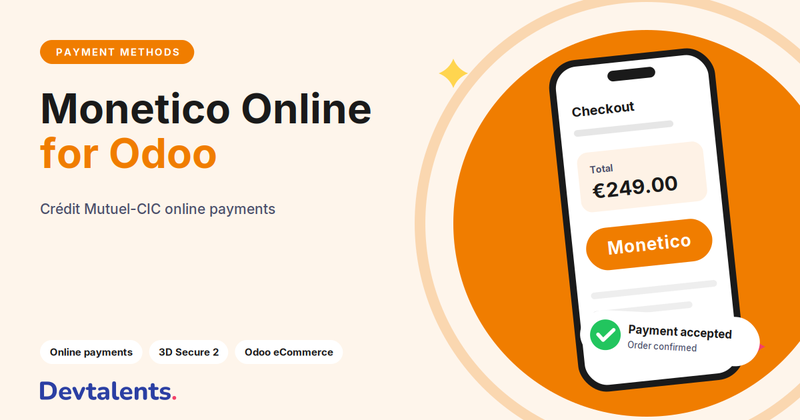
Monetico (CIC, Crédit Mutuel) payment provider supporting CB, Visa and Mastercard with secure 3-D Secure flow.
Tell us what you need: we reply within 48 hours.
Discuss your project