


Payment Providers
Alma Payment Provider
Alma official partner: let your customers pay in 1x–12x installments. Eligibility widget, category exclusion and Alma-approved integration.
- 19.0
- 18.0
- 17.0
- 16.0

Viva Wallet Smart Checkout integration for Odoo: accept cards and local payment methods across Europe through a secure hosted checkout with refund support.

More than 30 payment methods: cards, digital wallets, local methods and online banking.
The card is saved at the first payment and every renewal is charged on it automatically.
Customers pay their next orders in one click, without going back to the payment page.
Full or partial refunds from Odoo; authorize at checkout and capture or void later. Refunds made in the Viva Wallet dashboard are recorded in Odoo.
A scheduled action rechecks Viva Wallet for payments whose notification was lost, so a paid order never stays a quotation.
Odoo fetches your verification key, builds the authenticated notification URL and creates the payment source.
Unpaid previous attempts are cancelled when a new payment starts, and a successful retry confirms the order.
The refusal reason (insufficient funds, expired card, failed 3-D Secure) and the method used are shown on each payment.
Each order is charged in its currency, with your own bank statement label and a page in the customer's language.
Buying the module is the first step. We can take care of the rest with you.
We install the module on your database, enter your credentials and test the whole flow before going live.
Questions and fixes are handled by the team that wrote the module, not by a ticket relay.
Odoo supportSpecific rules for your business go in a separate module, so updates stay simple.
Odoo developmentThe licence is sold by Odoo; the module is then available for your database.
On Odoo.sh or on your own server, like any Odoo module.
Enter the credentials of your provider and choose the options you need.
Validate the whole flow in test mode, then switch to production.
No: Odoo Online does not accept third-party modules. It installs on Odoo.sh or on your own Odoo server.
Yes. We install the module, configure it with your credentials, test it in test mode and switch to production with you.
The DevTalents team that developed it: fixes, compatibility with new Odoo versions and configuration questions.
Yes. We add the rules specific to your business in a separate module, so that updates stay simple.
Payment Providers
Alma official partner: let your customers pay in 1x–12x installments. Eligibility widget, category exclusion and Alma-approved integration.

Payment Providers
HiPay Enterprise acquirer: CB, PayPal, iDEAL, Bancontact, SEPA, Klarna, Alma, Oney, Wero and more.
Payment Providers
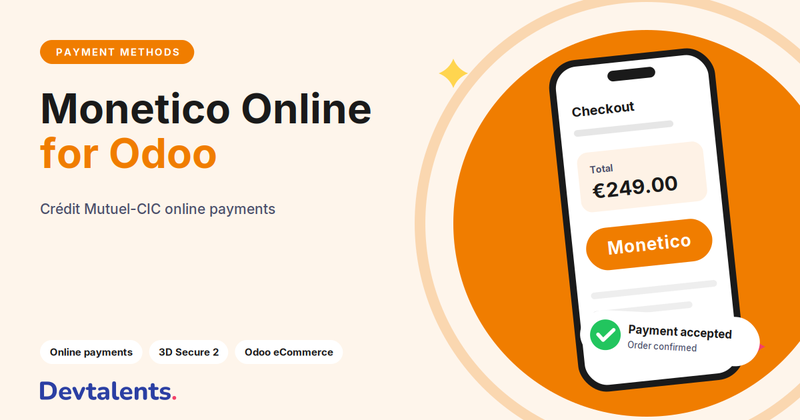
Monetico (CIC, Crédit Mutuel) payment provider supporting CB, Visa and Mastercard with secure 3-D Secure flow.
Tell us what you need: we reply within 48 hours.
Discuss your project