
CAWL in Odoo: every payment method of your contract, in one place
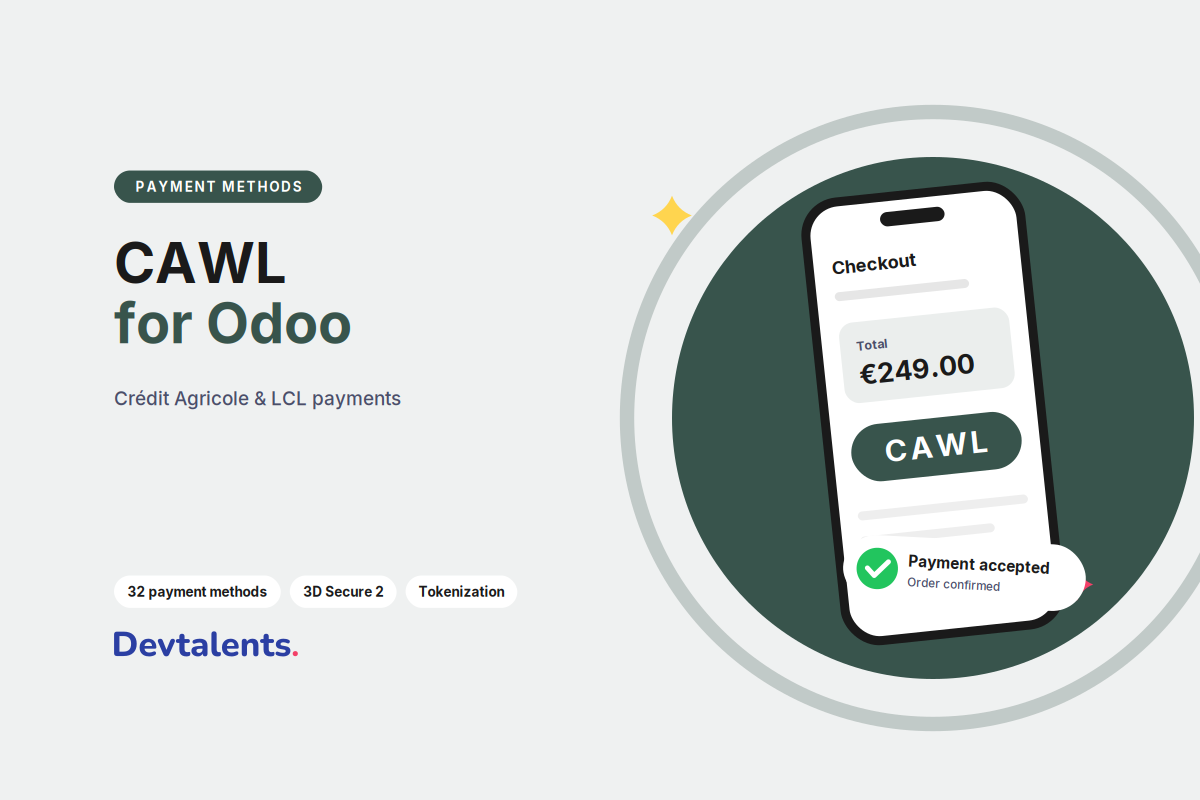
CAWL is the online payment offer of Crédit Agricole and LCL, built with Worldline, a major European payment company. Our CAWL module for Odoo adds it to Odoo's payment providers: the online shop, quotation payment links and customer portal invoices take payments with CAWL, and every payment lands in Odoo linked to its order and invoice.
If your e-commerce contract is with Crédit Agricole or LCL, your online payments will go through CAWL. What sets it apart is a very wide choice of payment methods, from bank cards to meal vouchers and instalments. This article explains what you can offer your customers, how the payment comes back into Odoo and what to prepare before you start.
In this article
Available payment methods
The module supports the whole CAWL catalogue. A payment method only shows on your shop if it is also opened on your contract: your Crédit Agricole or LCL account manager activates it, then you tick it in Odoo.
Bank cards
CB, Visa, Mastercard, American Express and Maestro, plus the cards of foreign customers: JCB, Discover, Diners Club, UnionPay.
Mobile payments
Apple Pay, Google Pay and PayPal, plus Alipay+ and WeChat Pay for Asian customers.
Instalments
Sofinco, the Crédit Agricole group's solution, and Oney, in 3 or 4 payments; Klarna to pay later or in monthly instalments.
European payment methods
Bancontact in Belgium, iDEAL | Wero in the Netherlands, TWINT and PostFinance Pay in Switzerland, MB Way and Multibanco in Portugal, Przelewy24 in Poland, EPS in Austria.
Vouchers and gift cards
Meal vouchers, Chèque-Vacances Connect, Illicado and Intersolve gift cards, with a card payment for the rest when the voucher does not cover the whole basket.
Payment from the banking app
Linxo Connect, the Crédit Agricole solution: the customer approves the payment in their banking app, without entering a card.
There is no need to turn everything on: pick what your customers really use. A French shop often starts with cards, Apple Pay, Google Pay and an instalment solution; local methods make sense when you sell in the country concerned.
How a CAWL payment works in Odoo
- The customer confirms their basket, or opens the payment link of a quotation or invoice, and picks a payment method.
- Odoo sends them to the CAWL payment page. The card is entered there, with their bank's strong authentication (3D Secure) when it is required. No card number goes through your Odoo.
- CAWL tells Odoo the result automatically, even if the customer closes the tab without coming back to your shop. The module checks that the message really comes from CAWL before using it.
- The order is confirmed and the payment is reconciled with the invoice. The customer lands on your shop's confirmation page.
What you need to get started
Before installing, gather:
- your CAWL contract, signed with Crédit Agricole or LCL, and the list of payment methods opened on it;
- the login credentials CAWL provides in your merchant area: your merchant ID and your access keys. Keep them confidential and never send them by email in plain text;
- a test access, to check the whole flow before going live.
In Odoo, the module is set up in Invoicing (or Website) > Configuration > Payment Providers, like Stripe or PayPal: enter the credentials, enable the provider in test mode, place a real order end to end, then switch to production. Run these tests on a copy of your database rather than on production; we explain why in our article on the neutralized database.
Charging at shipping
If you sell goods to ship, you can choose not to charge the customer at order time. The payment is then only authorised; you collect it from Odoo when the order ships, or you cancel it if the order does not go out. With CAWL, the collection covers the full authorised amount: if you often ship one order in several parcels, let us talk before you choose this mode.
Refunds from Odoo
The Refund button of the payment in Odoo sends the refund, full or partial, without going through the CAWL merchant area. The refund shows on the transaction in Odoo, and your accounting stays up to date with no double entry.
Saved cards and subscriptions
During a payment, the customer can save their card. It is kept by CAWL, not in Odoo, which only stores a reference. Loyal customers then pay in one click, and subscriptions managed in Odoo can be renewed automatically on the saved card, without the customer going back to the payment page.
Our advice before you start
- Have the payment methods opened on your contract before enabling them in Odoo. Klarna, Apple Pay, Google Pay, Sofinco or Oney are requested from your account manager; enabled in Odoo only, they would not work.
- Ask for the "Group Cards" option. It groups every card (CB, Visa, Mastercard, American Express…) behind a single "Pay by card" button on the payment page. The choice is clearer for your customers.
- Test every method you enable: accepted, declined, abandoned payments, and the customer who closes the tab before coming back to the shop.
Still hesitating between banks? Our comparison Monetico, CAWL or Axepta will help you decide.
FAQ
Which Odoo versions are supported?
Odoo 18, 19 and 20, Community and Enterprise. We port the module to every new version.
Does the module work on Odoo Online?
No, Odoo Online does not accept modules from publishers other than Odoo. It installs on Odoo.sh or on your own server.
Does card data go through Odoo?
No. The card is entered on the CAWL page. Odoo only receives the payment result and, if the customer chose to, a saved card reference.
Who signs the contract with the bank?
You do. The contract stays between you and Crédit Agricole or LCL; the module only connects Odoo to your CAWL account.
Can you install and set it up for us?
Yes. We install the module, enter your credentials, test every payment method of your contract on a copy of your database, then go live with you.
A CAWL project on Odoo?
Installation, choosing which payment methods to open, charging at shipping or a rule specific to your business: the team that wrote the module takes care of it. Let's talk about your project, or browse all our Odoo payment modules.
Other guides on Odoo payments
- Axepta BNP Paribas V2 for Odoo: Payment Methods, Wero and Moving from V1
- Monetico Integration in Odoo: Card Payment Module for Crédit Mutuel and CIC
- Viva Wallet for Odoo: Smart Checkout, Refunds, Saved Cards and Subscriptions
- Who Should Build Your Odoo Payment Module?
- Monetico, CAWL or Axepta: Which Payment Solution for an Odoo Shop?
Module page in our catalogue: CAWL Payment Provider