
Monetico in Odoo, connected like a native payment provider
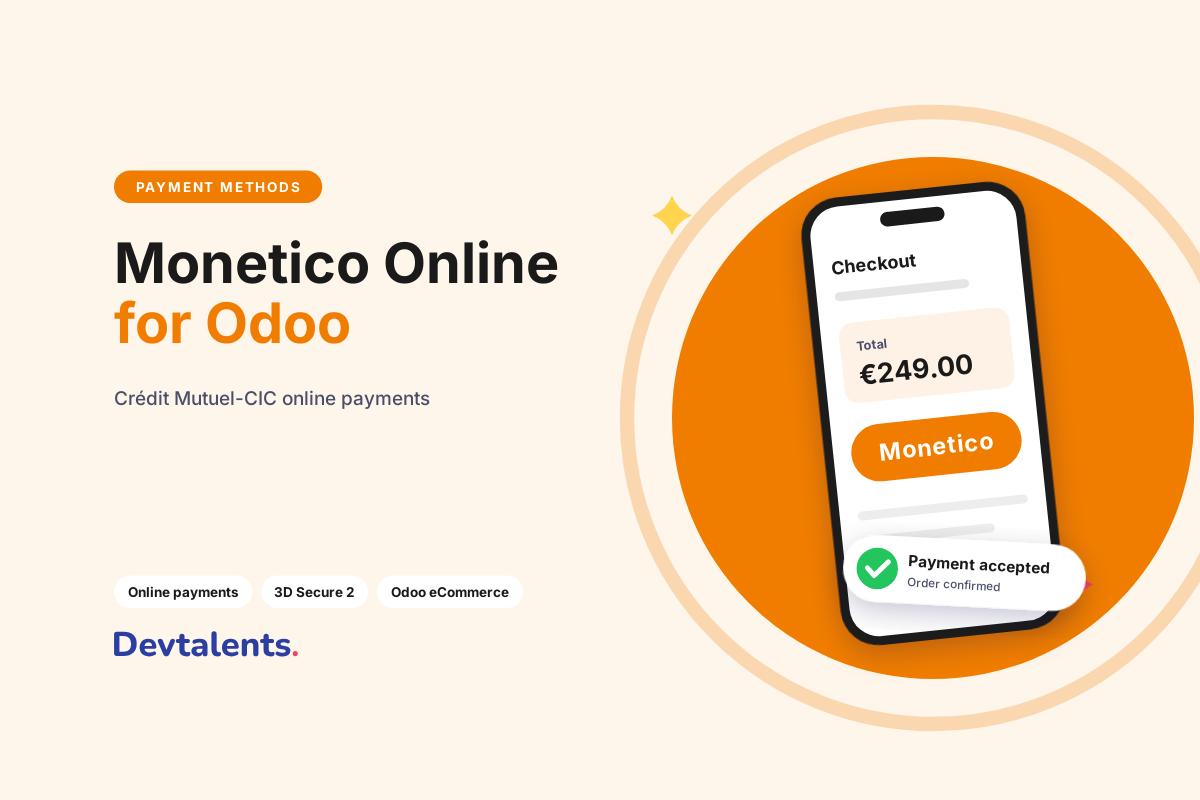
Monetico is the online payment solution of Crédit Mutuel and CIC, two major French banks. If your e-commerce merchant contract is with one of them, your card payments go through Monetico. Our Monetico module for Odoo adds it to the Odoo payment providers: the online shop, payment links and the customer portal take card payments, and every payment lands in Odoo matched with its order and invoice.
A Monetico integration in Odoo always raises the same questions: which Monetico product is on the contract, which credentials to enter, how the payment comes back to Odoo, and what happens when a notification gets lost. This article answers them from what we see on our clients' projects since 2014.
In this article
Monetico or Monetico Retail: which one is on your contract?
Crédit Mutuel and CIC sell two platforms under the Monetico name, and they do not connect the same way. Check with your bank advisor which one you have before buying anything.
| Monetico Paiement | Monetico Retail | |
|---|---|---|
| What it is | The long-standing virtual terminal, successor of CM-CIC p@iement and CyberMUT | The newer platform, driven by a REST API |
| Credentials | Terminal (TPE) number, company code, security key | API credentials of your Retail account |
| Strengths | Deferred payment, partial capture, instalments and recurring payments with our add-on modules | 35+ currencies, saved cards, pay in N instalments, basket sent for fraud screening |
| Our module | Monetico Payment Provider | Monetico Retail Payment Provider |
The rest of this article covers Monetico Paiement, the most common case for small and mid-sized businesses. If your bank opened a Retail account for you, our article Monetico Retail for Odoo describes that module.
Did you run an old CM-CIC or CyberMUT connector on an earlier Odoo version? The principle has not changed (terminal number, company code, key), but the way messages are signed has. An Odoo migration is the right time to move to a maintained module instead of porting old code.
How a Monetico payment flows through Odoo
- The customer confirms the cart, or opens the payment link of a quotation or invoice, and picks card payment.
- Odoo sends them to the Monetico payment page. The card is entered at Monetico, with 3D Secure 2 (frictionless or challenge, depending on the cardholder's bank). No card number ever reaches your server.
- Monetico notifies Odoo server to server (the "CGI2" interface). The module checks the HMAC seal of every notification before touching the transaction, so a forged notification is rejected.
- The transaction is confirmed, the order is validated and the payment is reconciled with the invoice. The customer lands on the confirmation page of your shop.
Each transaction gets a Monetico tab with the authorisation number, the masked card, the refusal reason if any and the actual payment date sent by Monetico. When a customer calls because "it did not work", the answer is in Odoo, without digging through the bank's back office.
The payment page opens in the customer's language when Monetico offers it: French, English, German, Spanish, Italian, Dutch, Portuguese, Swedish or Japanese.
What you need to configure the module
Before installing, gather:
- The terminal (TPE) number (7 characters) and the company code, given in your contract opening letter;
- The security key, taken from the Monetico back office. It seals every exchange, so never send it by plain e-mail;
- The CGI2 return URL of your Odoo, to declare at Monetico so that notifications reach your database;
- A test terminal, provided by Monetico on request, to validate the whole flow before going live.
In Odoo, the module is set up in Invoicing (or Website) > Configuration > Payment Providers, like Stripe or PayPal. Enter the credentials, enable the provider in test mode, place a real order end to end, then switch to production.
One piece of advice from experience: test on a copy of your database, not on production. Odoo can neutralize a copy so that payments and e-mails never reach real customers; we explain how in our article on the neutralized database.
Deferred payment and partial capture
If you ship goods, charging the customer at order time is not always what you want. With a terminal set up for deferred payment, the amount is only authorised when the customer pays. You capture it from Odoo when the order ships, or void the authorisation if it never leaves the warehouse.
With the Monetico partial payment option you can also capture part of the amount: an order shipped in two parcels is charged twice, and the rest is captured or voided later. Everything is done from the transaction in Odoo.
Refunds from Odoo
The Refund button on the payment in Odoo sends a full or partial refund without opening the Monetico back office. The module uses the Monetico "Recrédit" service and keeps track of what has already been refunded, so the same amount cannot be refunded twice by mistake.
No paid order left as a quotation
The most annoying e-commerce case: the customer paid, but the order stayed a quotation because the bank notification never arrived (server restart, firewall, maintenance). The module runs a scheduled action that asks Monetico for the real status of pending transactions and confirms the paid ones. Nobody has to chase them by hand at the end of the day.
Pay in 3 instalments and subscriptions
Two add-on modules build on this one, if your Monetico contract includes the matching options:
- Monetico Split Payment for card payment in 2, 3 or 4 instalments, with one accounting payment per instalment. See our article Pay in 3 Instalments with Monetico on Odoo.
- Monetico Recurring Payments to charge subscription renewals automatically on the saved card. See Monetico Recurring Payments on Odoo.
On the security side, the module follows the changes required by Monetico. The latest one concerns how the MAC seal is computed: our module is up to date.
Frequently asked questions
Which Odoo versions are supported?
Odoo 17, 18, 19 and 20, Community and Enterprise. We port the module to every new version.
Does the module work on Odoo Online?
No, Odoo Online does not accept third-party modules. It installs on Odoo.sh or on your own server.
Does card data go through Odoo?
No. The card is entered on the Monetico page, with 3D Secure. Odoo only receives the payment result, the authorisation number and the masked card.
Who signs the contract with the bank?
You do. The merchant contract stays between you and Crédit Mutuel or CIC; the module only connects Odoo to your terminal.
Can you install and configure it for us?
Yes. We install the module, enter your credentials, test the flow with your test terminal and go live with you.
A Monetico project on Odoo?
Installation, replacing an old CM-CIC connector, deferred payment at shipping or a rule specific to your business: the team that wrote the module takes care of it. Tell us about your project, or see all our Odoo payment modules.